Account and Contact Export File
Edited
If you need to access your accounts and contacts in order to send an email blast, use for import to another program for email marketing, etc., you can access a Data Utility to create a file to open into Excel, then sort, filter, etc. as needed to use for those programs.
Account/Contact Export
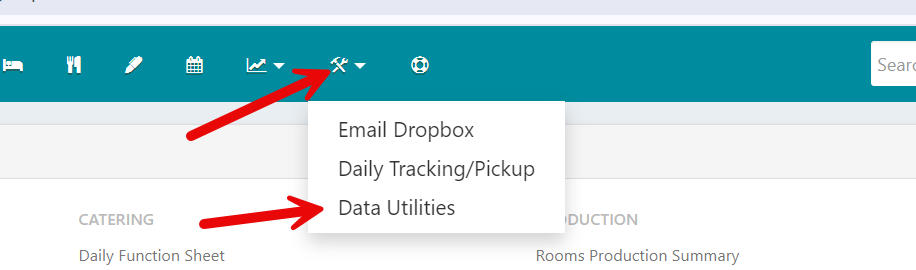
Click the Tools icon in the top menu bar
Click Data Utilities
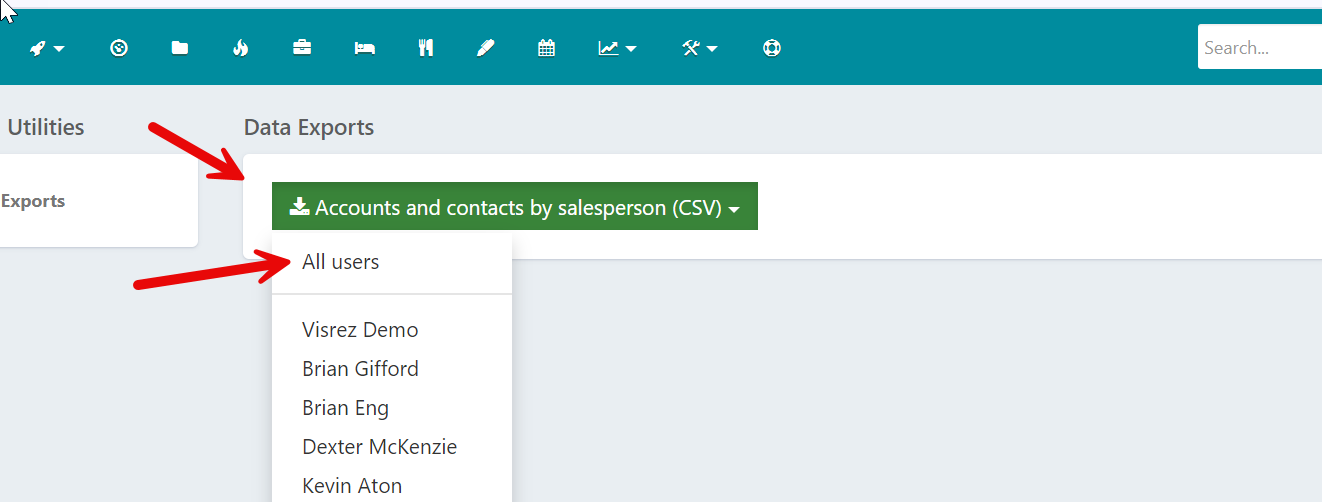
Click Accounts and Contact by Salesperson
Click All Users
A csv file will render and then you can open from your browser download to access and use the file
NOTE: This feature can be allowed or not allowed per user. Manager level users can adjust a User Permissions in Settings if needed.