How to Make a Proposal Inactive
Edited
Changing an Active proposal to Inactive is easy.
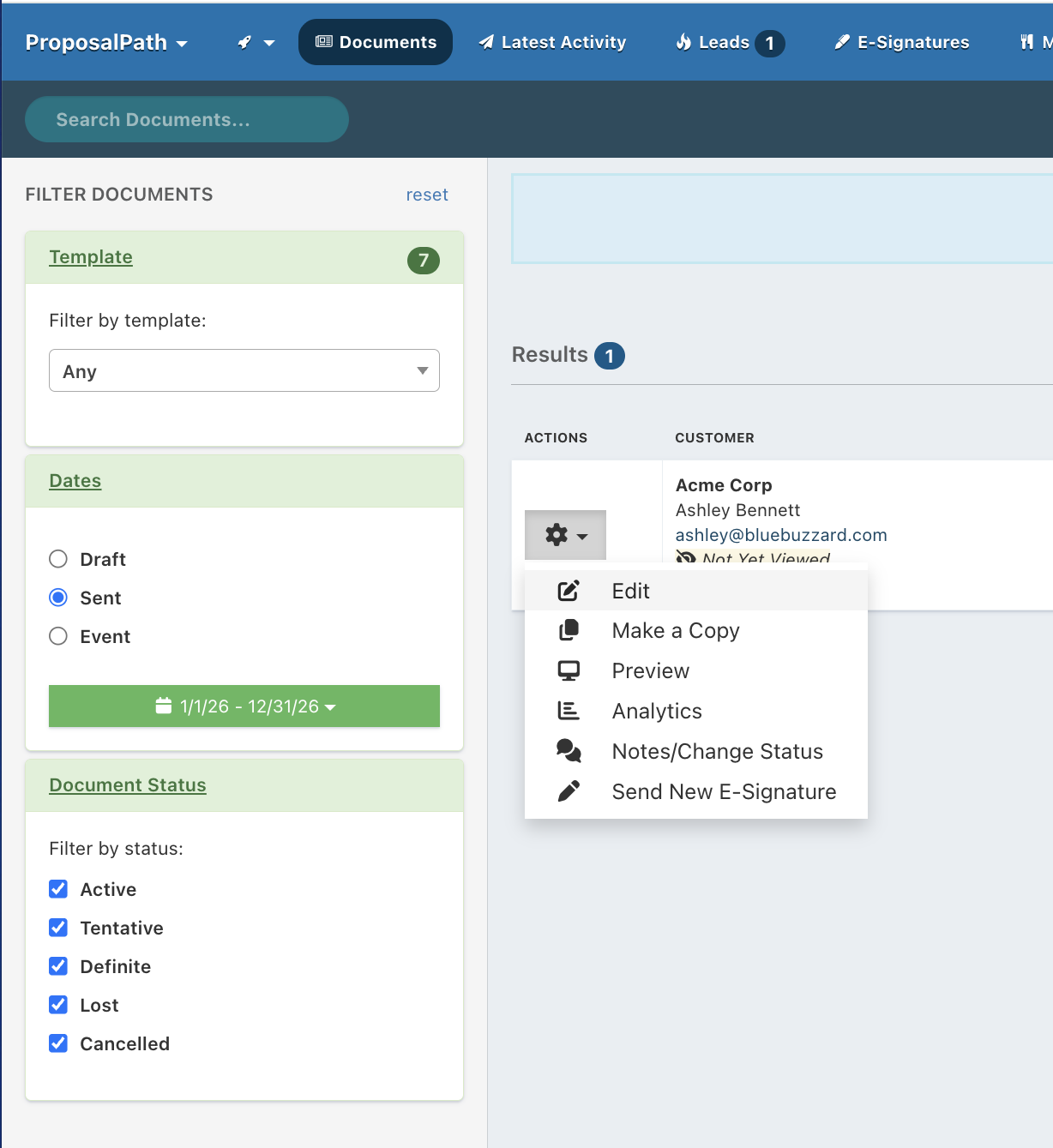
Simply click the gear icon next the proposal you'd like to make Inactive and choose 'Edit.'
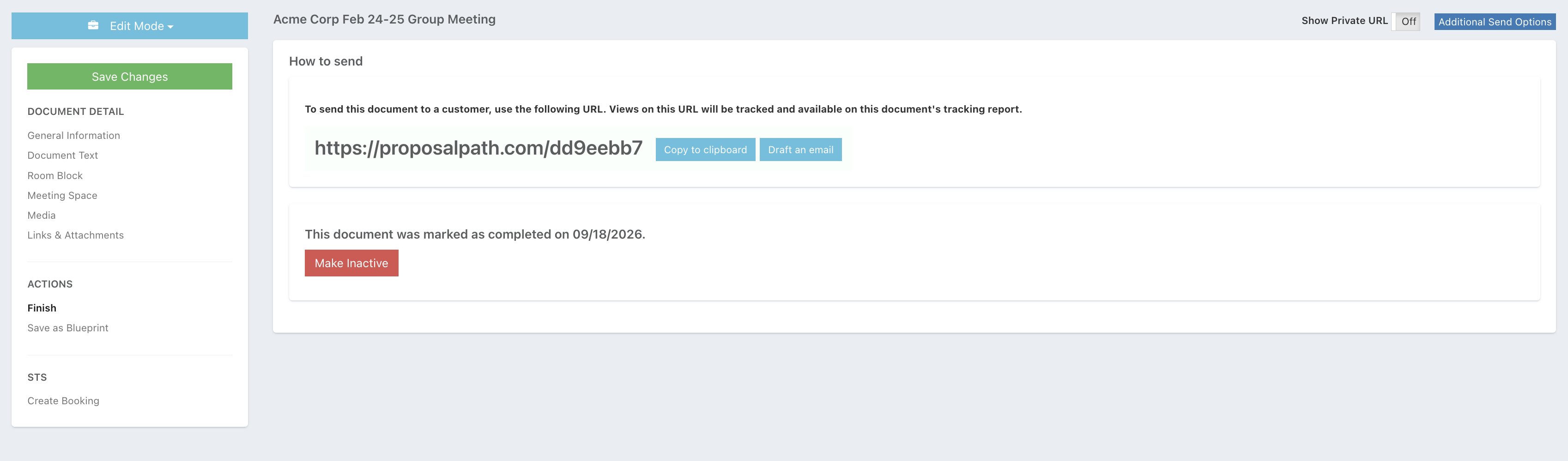
Then click the 'Finish' option on the left side in the workflow.
Click on the red button 'Make Inactive':
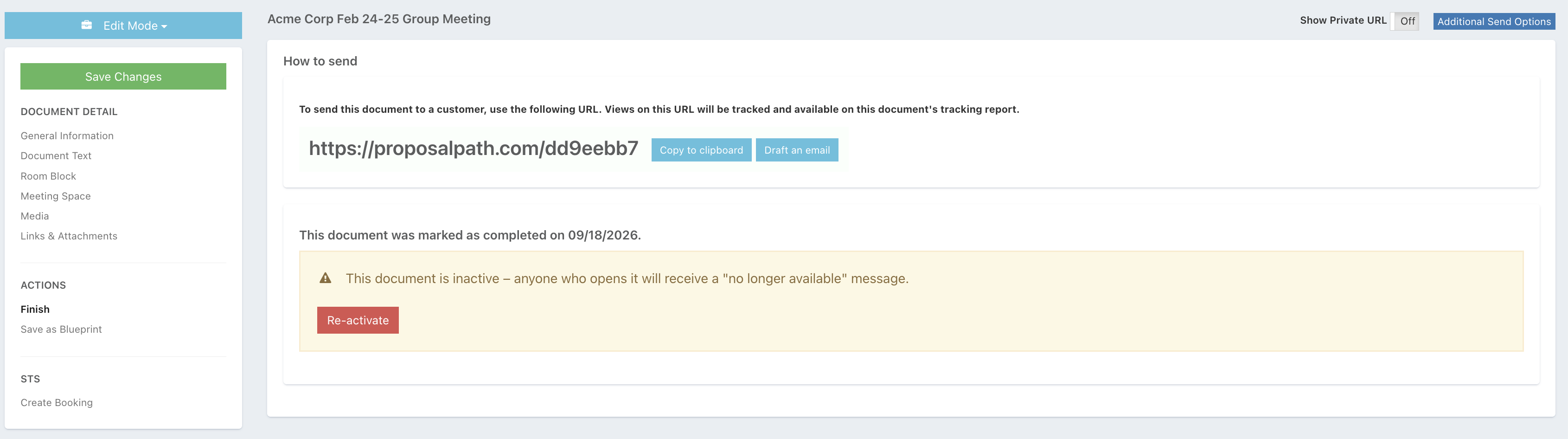
If you need to Re-activate a proposal, follow the same process and click the red button 'Re-Activate':