Maintain Updated Revenue Details for Reports
With the 2027 budget season underway, we wanted to provide some tips to assure your reporting represents the total picture of your sales efforts.
Adding the forecasts, and checking and updating actual revenue prior to the end of a month will provide the updated revenue picture for your property.
PROPOSALPATH & STS CLOUD - LEADS
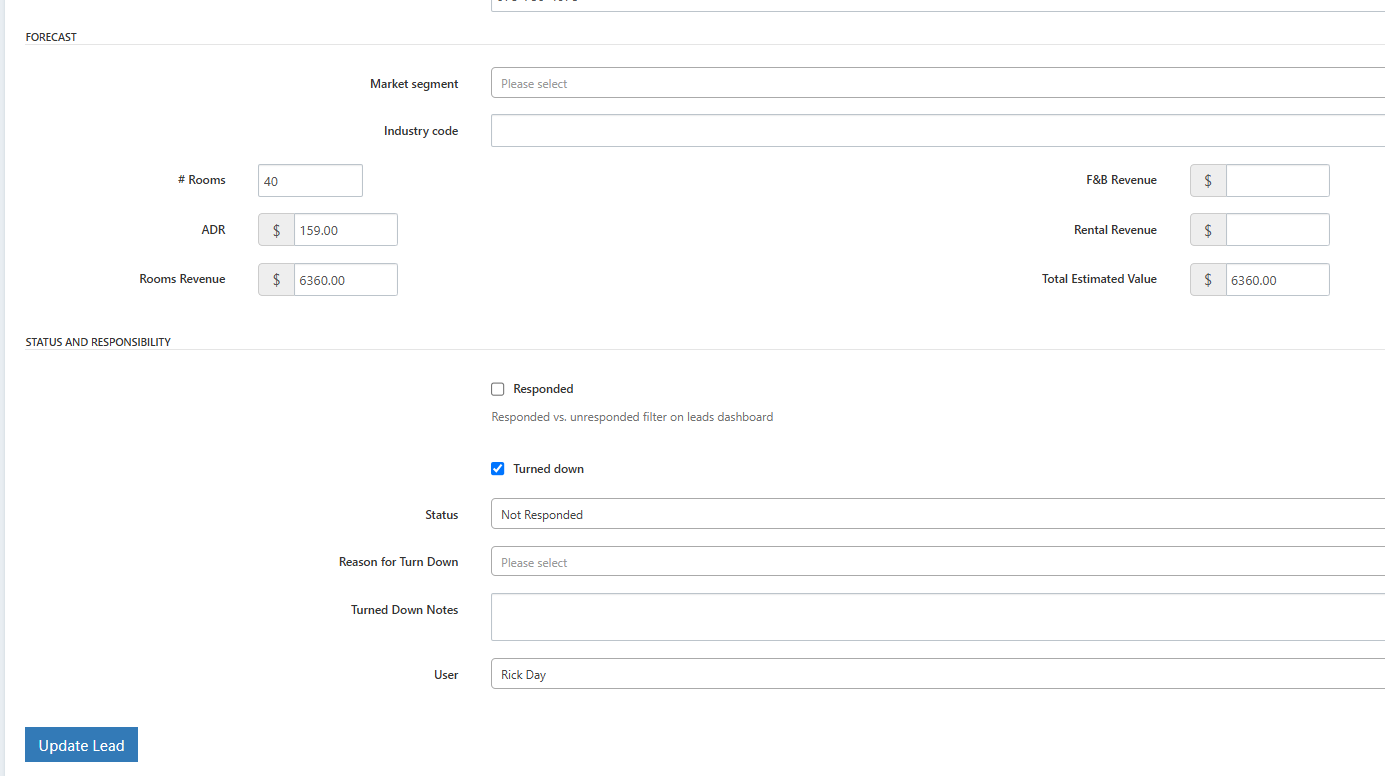
Did you know you can edit lead submissions and attach revenue values to those opportunities? This helps you evaluate the revenue potential that inquiry has for your location.
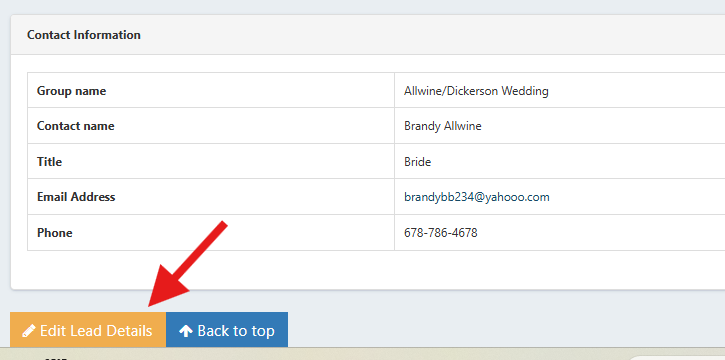
When you open a lead, scroll down to the bottom, and click Edit Lead Details.
You can add notes, revenue estimates and other key points to use in the Leads Report.
STS CLOUD - Verify and Update Actual Revenue in Bookings
Ensure the actual revenue is documented within your Bookings in STS Cloud.
Room Actuals:
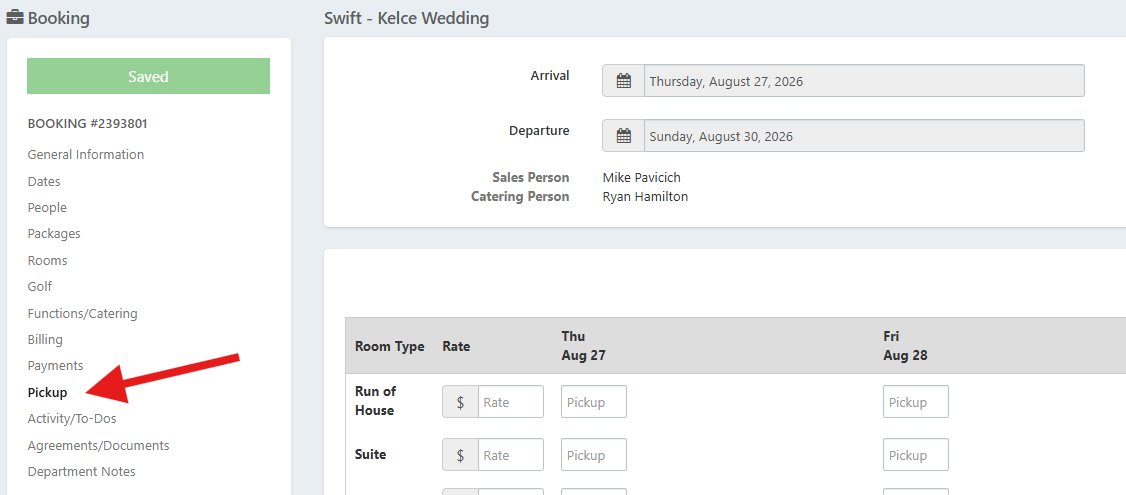
Data you input in the Pickup tab for a group creates your room actual revenue on reports.
Catering Actuals:
Marking BEO's 'Complete' updates the catering actual revenue on reports. Once you confirm all menu items, turn on BEO Complete to save and update actual catering income.
You can do this within each function on the Menu Service tab of the event, or mark all the BEO's complete at one time on the Function/Catering tab of the booking.
*If you completed the BEO's and have a change, simply turn off BEO complete and save, make the edits, and save, then turn BEO complete back on to update the actual revenue.


Administrative Tip:
The Groups on the Books Report and the Catering Events Report are excellent administrative tools to easily see both a forecast and actual revenue. These list your block and events, and show both a forecast and the actual revenue. We'd recommend checking these reports weekly so your monthly reports stay updated!